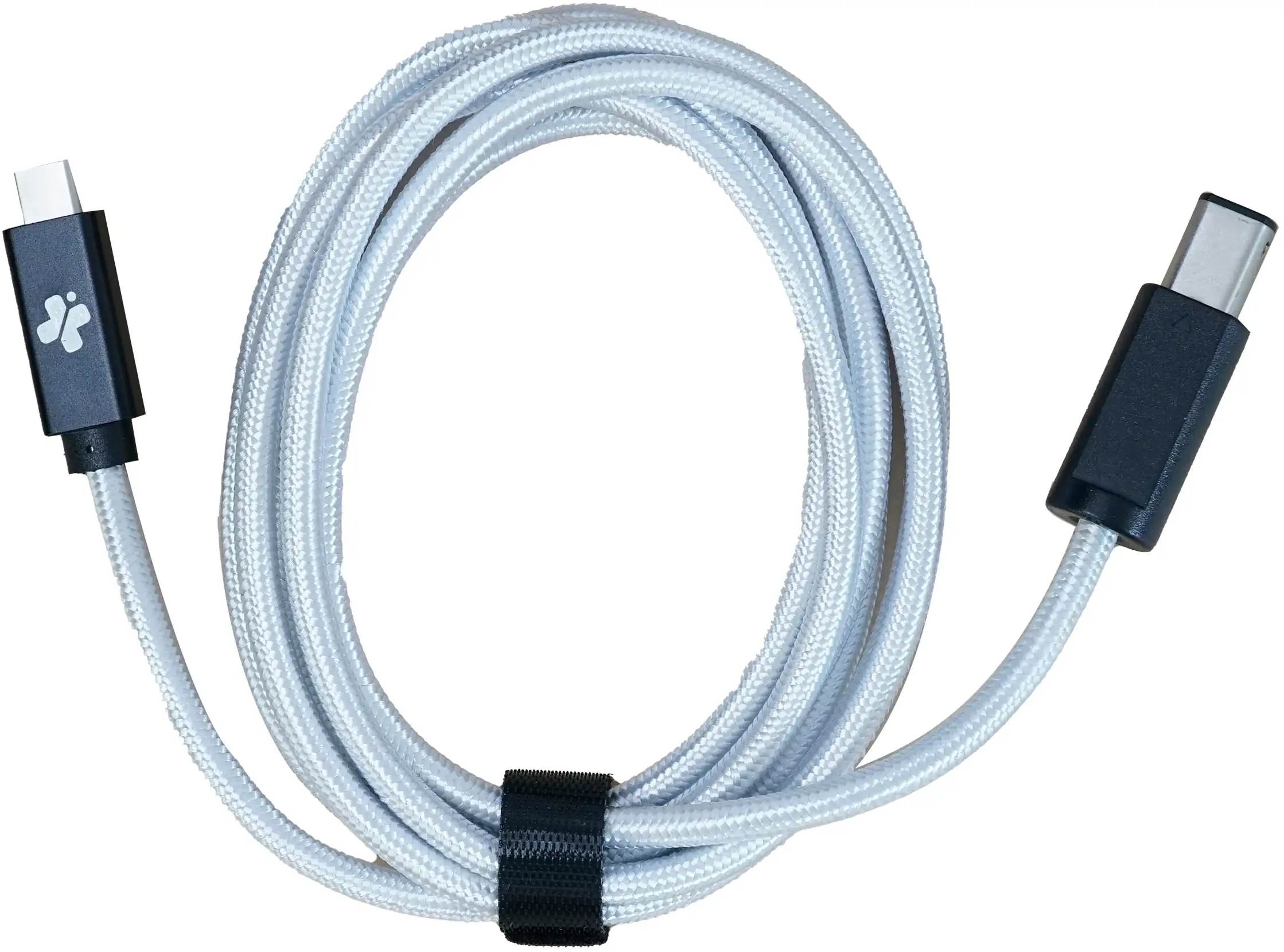
Custom GameCube to USB Cable

Custom GameCube to USB Cable

This is a blog entry that will describe how to create your own USB-C to Gamecube cables, compatible with Handheld Legend's ProGCC kit, GCU controller, JunkFoodArcade, Frame1 and B0XX controllers.

Equipment

  • 28 AWG 5 Core Wire w/ Gamecube Port
    • Alternatively, use old Nintendo Gamecube cables.
    • Third party cables and extensions are also usable, but they have dubious quality.

  • USB -C Housing

  • USB-C Port

  • 12 Pin USB C Male Header

  • Hot glue or electrical tape.

  • metal ferrule (3/16" OD, 1/4" Length),

  • heat shrink tubing

Pinouts

Gamecube End

Use a multimeter to test for continuity between the points on the Gamecube port and the wires attached to it. There should be no more than 5 wires, and the grounds might be connected together (but more often should be separate to associate different voltage rails).

Looking into Gamecube Port end for pints

USB-C

Most USB-C headers have 6 pads exposed on one side, and the power and Ground pads are exposed on the other side.

USB-C Header pinout

The Gamecube port's Data pin goes to B11. The Gamecube port's 3.3v pin goes to A2.

Cable Steps

1.

Slide the USB-C housing on to the cable.

Slide housing onto cable, and strip cable and wires.

2.

Strip back the cable on the USB-C end.

  • Minimum stripped length is 10mm.

enter image description here

3.

Strip each individual wire on the cable.

  • Common ground or other redundant wires can be twisted together.

Strip wires in cable.

4.

Tin the stripped wire ends and the necessary pads on the USB-C port.

Tin wires and pads.

5.

Solder the wires to the port.

  • Be careful not to bridge any of the pads together.

Solder pints to connector.

6.

Slide the front piece of the USB-C housing over the front of the connector, then fill the back of the USB-C port with hot glue to secure connections.

  • Alternatively, use electrical tape.

Slide the housing over the front of the connector.

7.

Slide the other part of the housing along the cable up to the back of the USB-C port, to meet with the front part.

Slide the other housing part along the cable to the back of the connector.

8.

Secure the housing to the cable with a metal ferrule.

Metal ferrule mounts the housing to the cable.

9.

Add heat shrink over the connector.

  • Instead of a heat gun, use a hair dryer or a lighter to shrink the tubing.

Add heat shrink over connector.

Reference

Nintendo Classic Controllers on Switch

Official Nintendo Switch Online Controllers

As of the time of this post, Nintendo has released five sets of controllers based on their original legacy consoles.

  • NES
  • SNES
  • N64
  • Gamecube
  • Sega Mega Drive / Genesis

Advantages

  • Wireless
  • Good battery life
  • Easier maintenance
  • USB-C for charging and connectivity (post-NES)

NES

Charge on console just like joy-cons

SNES

The perfect mini controller w/ D-Pad and 6 buttons

N64

Perfect for entire N64 library

Gamecube

Flexible outside library, very good for 3rd person platformers

Downsides

  • Higher costs
  • Low availability
  • No other modern features
    • gyro
  • Unable to configure controllers (remapping)
  • Some unsustainable materials

NES

  • No other ways to charge these controllers (third party joy-con chargers are not reliable)
  • Very small number of buttons
  • No dogbone variant

SNES

  • Famicom variant only available to Japan

N64

  • Only one color option
  • Thumbstick is less reliable

Genesis / Mega Drive

As many buttons as the NES

Gamecube

Only one color option

The big problems

  • Less flexibility outside intended online library
  • No color variants

Alternatives?

8bitdo DIY

DIY Showcase

8bitdo sells a wide range of replaceable circuit boards for the original intended controllers. They replace the wired method to the original console with a wireless protocol that the Nintendo Switch can find and treat as if it's one of the official wireless Switch Online products.

Because you only purchase the circuit board (the interior), this means that this product can be used with any color, edition, or other custom variant of the legacy controller that you can source. Personally, I have used the DIY N64 edition in order to have some colorful N64 controllers that still work on the Nintendo Switch as well as the intended Switch Online official products.

I personally recommend this for tinkers, especially for those who either own the original controllers, or have ease of access to pre-owned controllers and some electronics tools to open and clean them up.

Handheld Legend

Handheld Legend Website GitHub Repo

HandHeldLegend specializes in building optimal Nintendo Switch Pro Controllers, but they have an ongoing project to source an optimal Nintendo Gamecube controller, compatible with both the legacy console and the Nintendo Switch in preparation for the Gamecube Switch Online library, but of course specially for Smash Bros fanatics with consideration of other flexibility using added modern features, including a sidekick app that can tweak, calibrate and remap bindings without a computer or console.

DaemonBite

Daemonbite Website GitHub Repo

This is a project of build-it-yourself USB adapters to convert existing wired controllers to USB controllers that the Nintendo Switch can recognize as Pro Controllers.

Retro Pi Switch

GitHub Repo

This is a promising open-source project that simply takes the wired protocol of a controller and uses a Raspberry Pi as a converter and transmitter to the Nintendo Switch. Only tinkering done around the connection, no need to touch the controller internals or the Switch software.